Analytics adblockers do not block.
Filter lists match analytics by hostname and by path substring. mrkr's managed proxy serves the tracker and the ingest endpoint from a neutral subdomain of your own domain, with a certificate provisioned for you, so there is nothing on the list to match.
In short
How do you stop adblockers from blocking your analytics?
Serve the analytics from your own domain instead of the vendor's. Adblock filter lists match requests by hostname and URL substring, so a script and an ingest endpoint on a neutral subdomain of your site, over your own certificate, carry no string for a list to match. mrkr provisions that subdomain for you from one CNAME record.
This is worth being precise about, because the phrase “bypass adblockers” gets used for two very different things. Rewriting a third-party request to look first-party at the CDN is one. Actually serving the analytics from the site’s own domain, as first-party infrastructure the site owner controls, is the other. mrkr does the second one.
The numbers you were already owed.
Blocked analytics does not announce itself. It shows up as a dashboard that quietly disagrees with your server logs, a paid channel that looks worse than it converts, and a developer-heavy audience that appears to be half the size it is.
The proxy does not change a single line of what mrkr measures. The same cookieless payload reaches the same ingest code and produces the same sources, campaigns, funnels and revenue. It just arrives.
What a blocker is actually matching.
Hostname rules
The major vendors' domains sit on EasyPrivacy and every list derived from it. The script fails before a byte moves.
Path substring rules
Fragments like /analytics, /track, /collect and /pixel match wherever they appear, on domains a blocker has never seen.
Why the DIY version fails
analytics.yoursite.com/collect is on your own domain and still blocked. The words are the tell, not the host.
How it works
Four steps, one DNS record.
- 1
Pick a neutral subdomain
Something like a.example.com. The form rejects analytics, track, stats, pixel and nine other fragments, because those are substring matches on the public lists.
- 2
Add one CNAME
mrkr shows you a single record pointing your subdomain at its proxy target. If your DNS is on Cloudflare, set it to DNS-only rather than proxied.
- 3
mrkr issues the certificate
A custom hostname is provisioned and validated over HTTP, so there are no TXT records to juggle. Usually active within ten minutes.
- 4
Swap the snippet
The updated snippet points at your own subdomain instead of mrkr.app. The numbers carry on in the same dashboard, no reset.
Compared
What each approach actually survives. An honest read of the four common setups, matched against what blockers actually check.
| Feature | Third-party script | Self-proxied at a named path | mrkr managed proxy | Server-side only |
|---|---|---|---|---|
| Survives hostname rules | No | Yes | Yes | Yes |
| Survives path substring rules | No | Usually not | Yes | Yes |
| Survives a blanket JavaScript block | No | No | No | Yes |
| Infrastructure you maintain | None | A proxy and a certificate | None | Your own backend |
| Certificate handling | Vendor | You | Automatic | You |
| Sees client-side behaviour | Yes | Yes | Yes | No |
Server-side-only collection is the one approach that survives a visitor with JavaScript disabled, and it is also the one that cannot see engagement time, replay or Core Web Vitals. mrkr uses a server-side beacon for crawlers specifically, which is a different job.
Live demo
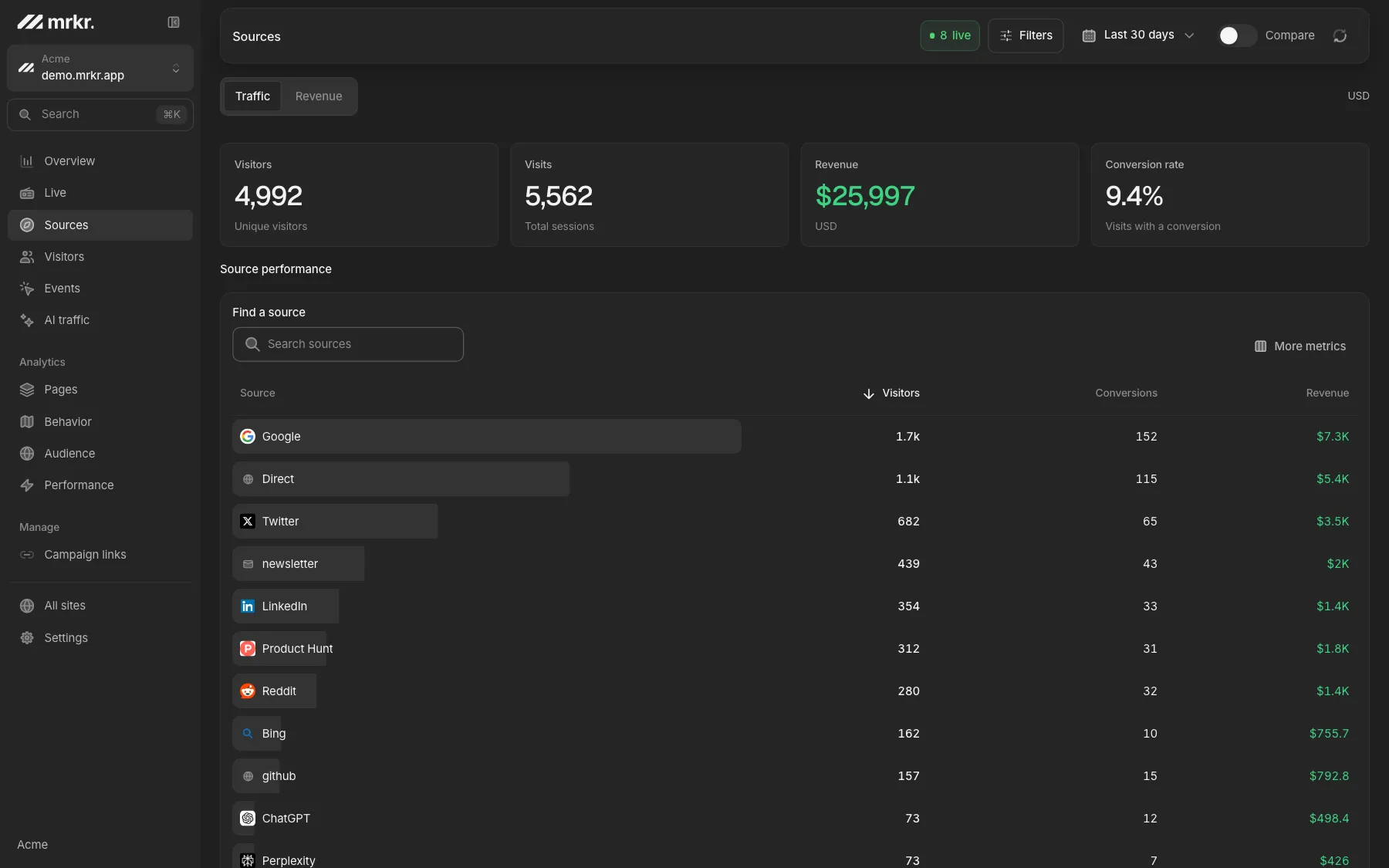
See what it reports. The live demo is a fully populated dashboard on real demo traffic. The proxy changes where the request goes, not what you get back.
Open the live demoWhere this stops working.
Blanket JavaScript blocking
No client-side analytics measures a visitor who blocks all scripts. The proxy does not change that.
A blocker that learns your subdomain
Filter lists are maintained by people. Neutral naming makes it far less likely, not impossible.
It is not a consent workaround
The proxy is about delivery, not legal basis. Cookie mode needs consent whether the proxy is on or off.
It does not backfill
Counting starts when the certificate goes active. Requests cancelled before that are gone.
FAQ
Why do adblockers block my analytics?
Because filter lists match requests by hostname and URL substring. EasyPrivacy and its derivatives carry entries for the well-known analytics domains and for generic path fragments like /analytics, /track, /collect and /pixel. Any request whose URL contains one of those strings is cancelled before it leaves the browser, whoever is serving it.
How does a first-party proxy avoid that?
The tracker and the ingest endpoint are served from a subdomain of your own domain, for example a.example.com, over your own certificate. There is no third-party hostname in the request, and the paths mrkr uses on that subdomain are neutral, so there is nothing on the filter list for the request to match.
Do I have to run any infrastructure for this?
No. You add one CNAME record at your DNS provider. mrkr provisions a Cloudflare for SaaS custom hostname behind it and validates the TLS certificate over HTTP, so there is no reverse proxy to deploy, no worker to maintain, and no certificate to renew.
Can a proxied subdomain reach the rest of mrkr?
No, and that is enforced in code. A request arriving on a proxy hostname may only reach /api/data, /api/data/r, /api/data/crawl, /api/collect, /api/replay and /api/health. Every other path is redirected to mrkr.app, so a customer subdomain can never serve mrkr's dashboard or marketing pages.
Does this recover 100% of blocked traffic?
No, and anyone claiming otherwise is guessing. A first-party subdomain removes the hostname and path signals that most filter lists match on. It does not help against someone who blocks all JavaScript, disables it entirely, or uses a blocker that has specifically learned your subdomain.
Does the proxy change what data is collected?
Not at all. The same cookieless payload goes to the same ingest code and produces the same numbers. Only the hostname in the request URL changes. Cookieless stays the default, so no consent banner is required for it, and switching a site to cookie mode changes that regardless of the proxy.
Start with one line of HTML.Your first visitors show up within a minute.